



- Comment on the Richard Montague interview here
- Who should be recruited in January? Read this excellent recruitment doc from member ARLukomski
- PoN member McPie asks have we progressed under Martin Paterson? Join the conversation here.
- PoN member theAnticlough poses a new set of questions about the team, click here.
- Notts confirm Belshaw signing
- 👋🏻 Welcome the newest members of Pride of Nottingham! Drop by and say hello, it’s always great to see fresh faces joining the community. 🫱🏼🫲🏼
- 👀 Check out our activity stream to see the latest content as it happens live. Join in with the conversation on Pride of Nottingham.
- Got thoughts on Notts? Share them and help Pride of Nottingham hit its content target! 🏁
- Reply to and read discussions without leaving your screen. Check out the Pride of Nottingham 'Topic Feed', which brings you all the latest content from our community forum in one place.
Players
28 wallpapers in this category
-
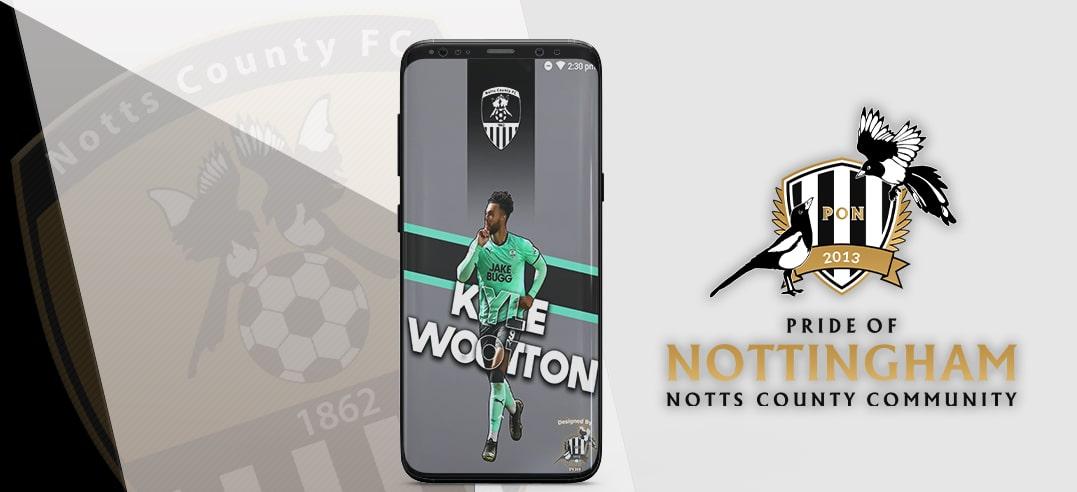
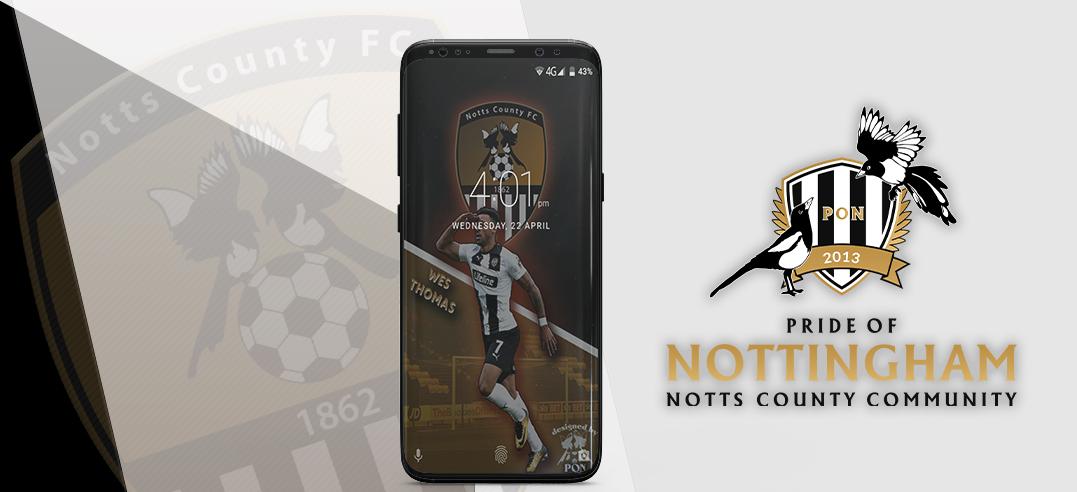
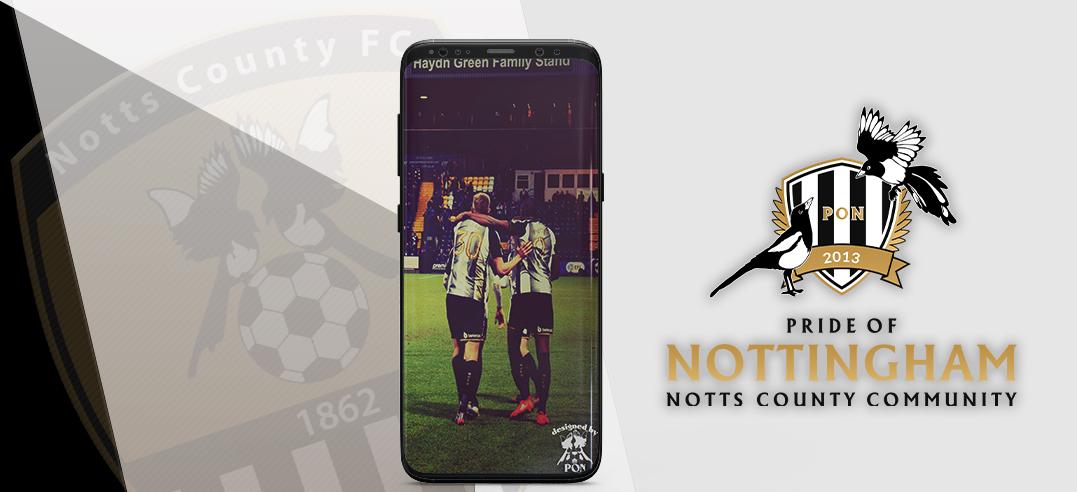
To download wallpaper image, simply click on the “Download” button, then choose in which drive to save it, and select “Save”. To then change your background to the wallpaper image, locate it in the drive where you saved it, select “Use as Background”, and choose “Fit” as the wallpaper’s picture position. If you would like to request the top image to be customised for you, to include a picture of your own please email We hope you enjoy this wallpaper. A lot of time and ef
-
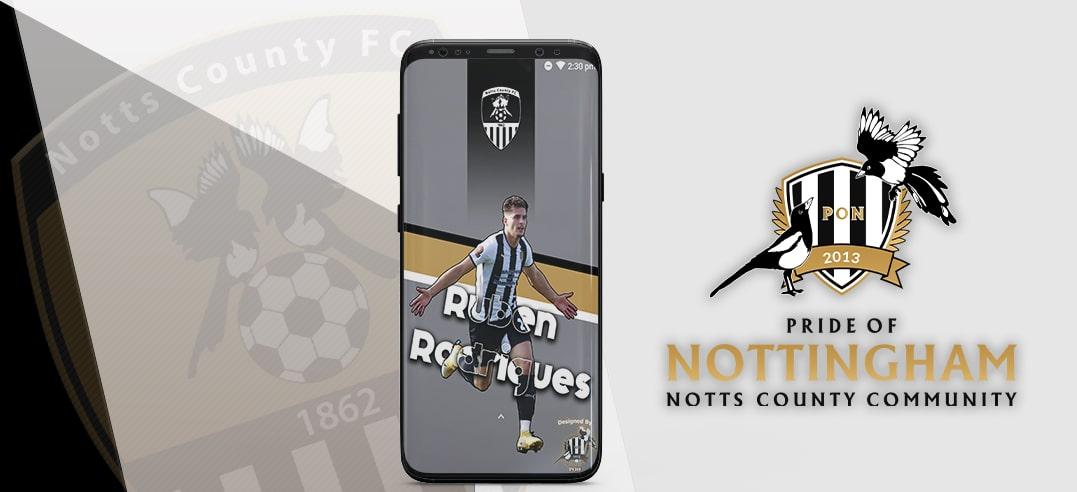
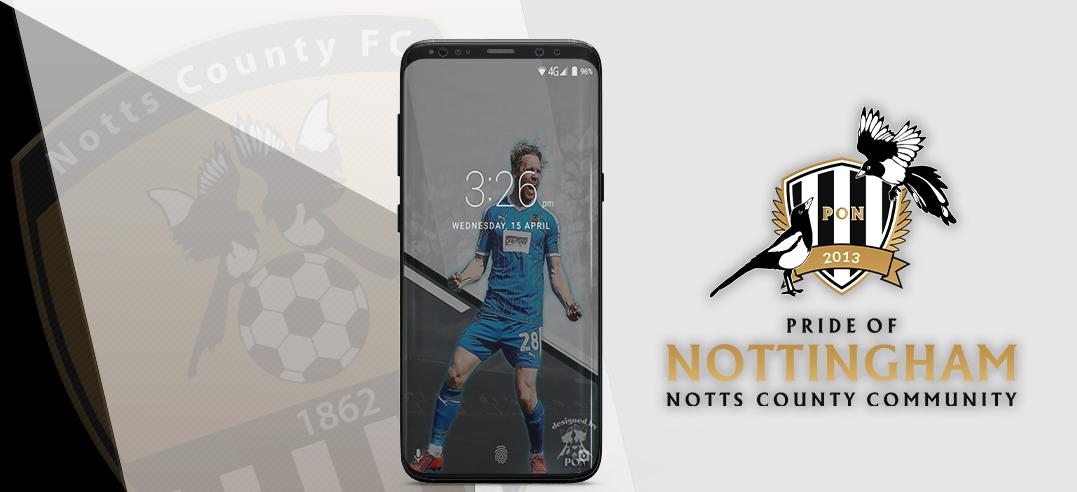
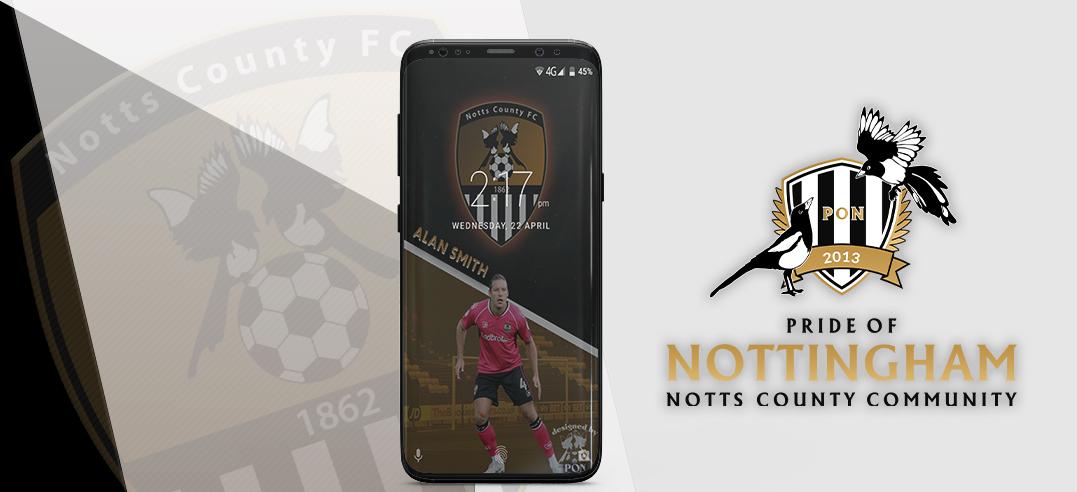
To download wallpaper image, simply click on the “Download” button, then choose in which drive to save it, and select “Save”. To then change your background to the wallpaper image, locate it in the drive where you saved it, select “Use as Background”, and choose “Fit” as the wallpaper’s picture position. If you would like to request the top image to be customised for you, to include a picture of your own please email We hope you enjoy this wallpaper. A lot of time and ef
-
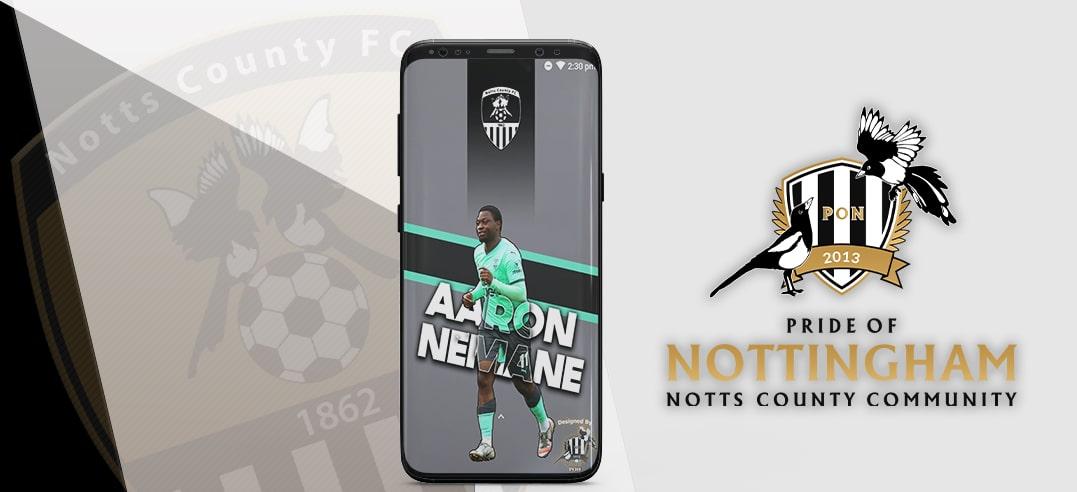
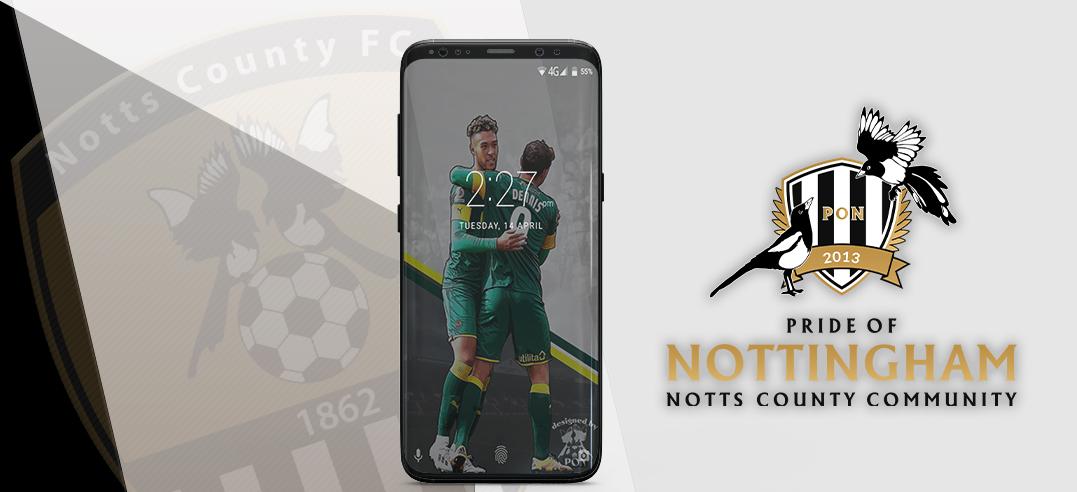
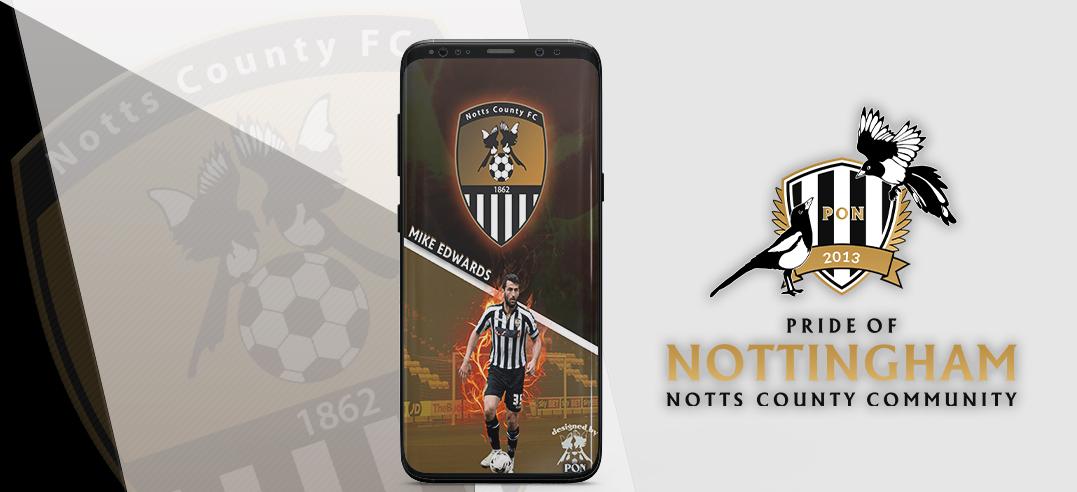
To download wallpaper image, simply click on the “Download” button, then choose in which drive to save it, and select “Save”. To then change your background to the wallpaper image, locate it in the drive where you saved it, select “Use as Background”, and choose “Fit” as the wallpaper’s picture position. If you would like to request the top image to be customised for you, to include a picture of your own please email We hope you enjoy this wallpaper. A lot of time and ef
-
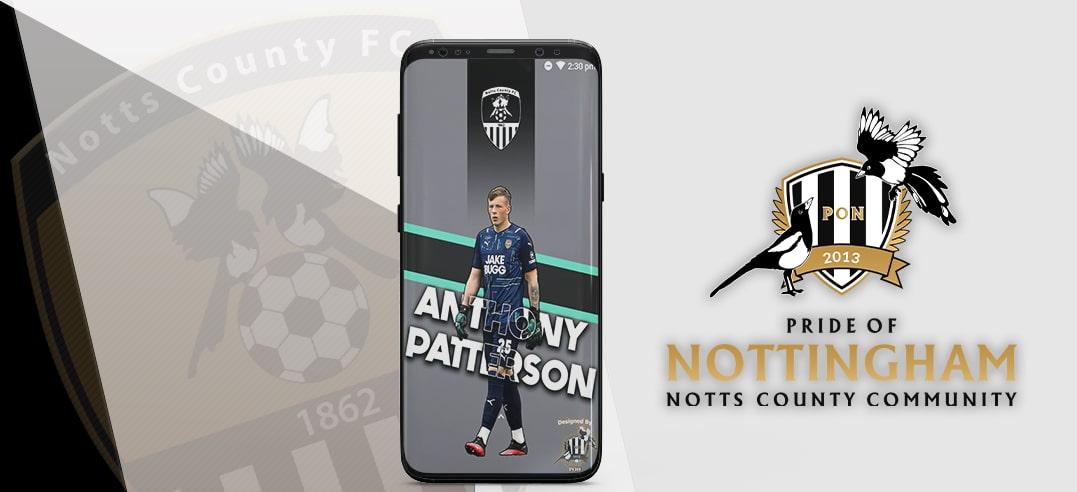
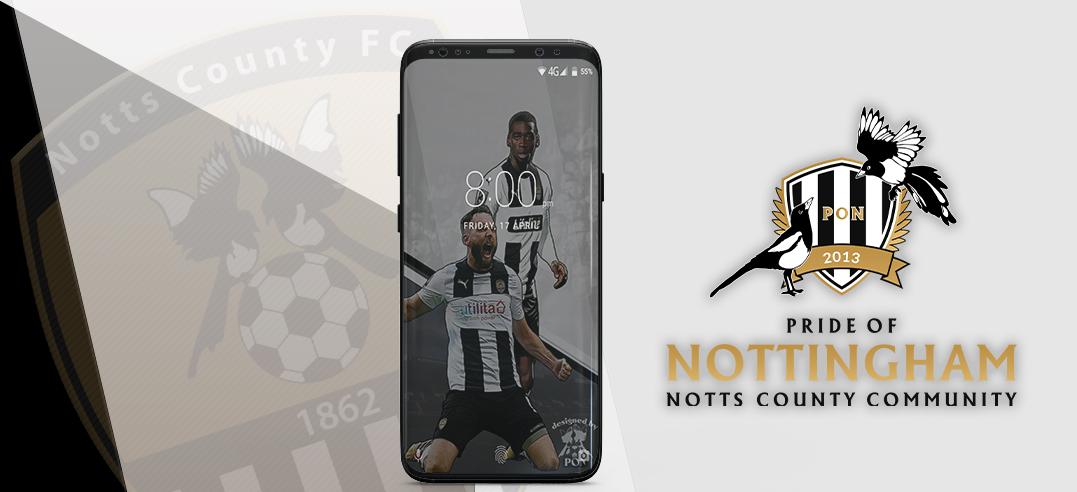
To download wallpaper image, simply click on the “Download” button, then choose in which drive to save it, and select “Save”. To then change your background to the wallpaper image, locate it in the drive where you saved it, select “Use as Background”, and choose “Fit” as the wallpaper’s picture position. If you would like to request the top image to be customised for you, to include a picture of your own please email We hope you enjoy this wallpaper. A lot of time and ef
-
To download wallpaper image, simply click on the “Download” button, then choose in which drive to save it, and select “Save”. To then change your background to the wallpaper image, locate it in the drive where you saved it, select “Use as Background”, and choose “Fit” as the wallpaper’s picture position. If you would like to request the top image to be customised for you, to include a picture of your own please email We hope you enjoy this wallpaper. A lot of time and ef
-
To download wallpaper image, simply click on the “Download” button, then choose in which drive to save it, and select “Save”. To then change your background to the wallpaper image, locate it in the drive where you saved it, select “Use as Background”, and choose “Fit” as the wallpaper’s picture position. If you would like to request the top image to be customised for you, to include a picture of your own please email We hope you enjoy this wallpaper. A lot of time and ef
-
To download wallpaper image, simply click on the “Download” button, then choose in which drive to save it, and select “Save”. To then change your background to the wallpaper image, locate it in the drive where you saved it, select “Use as Background”, and choose “Fit” as the wallpaper’s picture position. If you would like to request the top image to be customised for you, to include a picture of your own please email We hope you enjoy this wallpaper. A lot of time and ef
-
To download wallpaper image, simply click on the “Download” button, then choose in which drive to save it, and select “Save”. To then change your background to the wallpaper image, locate it in the drive where you saved it, select “Use as Background”, and choose “Fit” as the wallpaper’s picture position. If you would like to request the top image to be customised for you, to include a picture of your own please email We hope you enjoy this wallpaper. A lot of time and ef
-
To download wallpaper image, simply click on the “Download” button, then choose in which drive to save it, and select “Save”. To then change your background to the wallpaper image, locate it in the drive where you saved it, select “Use as Background”, and choose “Fit” as the wallpaper’s picture position. If you would like to request the top image to be customised for you, to include a picture of your own please email We hope you enjoy this wallpaper. A lot of time and ef
-
To download wallpaper image, simply click on the “Download” button, then choose in which drive to save it, and select “Save”. To then change your background to the wallpaper image, locate it in the drive where you saved it, select “Use as Background”, and choose “Fit” as the wallpaper’s picture position. If you would like to request the top image to be customised for you, to include a picture of your own please email We hope you enjoy this wallpaper. A lot of time and ef
-
To download wallpaper image, simply click on the “Download” button, then choose in which drive to save it, and select “Save”. To then change your background to the wallpaper image, locate it in the drive where you saved it, select “Use as Background”, and choose “Fit” as the wallpaper’s picture position. If you would like to request the top image to be customised for you, to include a picture of your own please email We hope you enjoy this wallpaper. A lot of time and ef
-
To download wallpaper image, simply click on the “Download” button, then choose in which drive to save it, and select “Save”. To then change your background to the wallpaper image, locate it in the drive where you saved it, select “Use as Background”, and choose “Fit” as the wallpaper’s picture position. If you would like to request the top image to be customised for you, to include a picture of your own please email We hope you enjoy this wallpaper. A lot of time and ef
-
To download wallpaper image, simply click on the “Download” button, then choose in which drive to save it, and select “Save”. To then change your background to the wallpaper image, locate it in the drive where you saved it, select “Use as Background”, and choose “Fit” as the wallpaper’s picture position. If you would like to request the top image to be customised for you, to include a picture of your own please email We hope you enjoy this wallpaper. A lot of time and ef
-
To download wallpaper image, simply click on the “Download” button, then choose in which drive to save it, and select “Save”. To then change your background to the wallpaper image, locate it in the drive where you saved it, select “Use as Background”, and choose “Fit” as the wallpaper’s picture position. If you would like to request the top image to be customised for you, to include a picture of your own please email We hope you enjoy this wallpaper. A lot of time and ef
-
To download wallpaper image, simply click on the “Download” button, then choose in which drive to save it, and select “Save”. To then change your background to the wallpaper image, locate it in the drive where you saved it, select “Use as Background”, and choose “Fit” as the wallpaper’s picture position. If you would like to request the top image to be customised for you, to include a picture of your own please email We hope you enjoy this wallpaper. A lot of time and ef
-
To download wallpaper image, simply click on the “Download” button, then choose in which drive to save it, and select “Save”. To then change your background to the wallpaper image, locate it in the drive where you saved it, select “Use as Background”, and choose “Fit” as the wallpaper’s picture position. If you would like to request the top image to be customised for you, to include a picture of your own please email We hope you enjoy this wallpaper. A lot of time and ef
-
To download wallpaper image, simply click on the “Download” button, then choose in which drive to save it, and select “Save”. To then change your background to the wallpaper image, locate it in the drive where you saved it, select “Use as Background”, and choose “Fit” as the wallpaper’s picture position. If you would like to request the top image to be customised for you, to include a picture of your own please email We hope you enjoy this wallpaper. A lot of time and ef
-
To download wallpaper image, simply click on the “Download” button, then choose in which drive to save it, and select “Save”. To then change your background to the wallpaper image, locate it in the drive where you saved it, select “Use as Background”, and choose “Fit” as the wallpaper’s picture position. If you would like to request the top image to be customised for you, to include a picture of your own please email We hope you enjoy this wallpaper. A lot of time and ef
-
To download wallpaper image, simply click on the “Download” button, then choose in which drive to save it, and select “Save”. To then change your background to the wallpaper image, locate it in the drive where you saved it, select “Use as Background”, and choose “Fit” as the wallpaper’s picture position. If you would like to request the top image to be customised for you, to include a picture of your own please email We hope you enjoy this wallpaper. A lot of time and ef
-
To download wallpaper image, simply click on the “Download” button, then choose in which drive to save it, and select “Save”. To then change your background to the wallpaper image, locate it in the drive where you saved it, select “Use as Background”, and choose “Fit” as the wallpaper’s picture position. If you would like to request the top image to be customised for you, to include a picture of your own please email We hope you enjoy this wallpaper. A lot of time and ef
-
To download wallpaper image, simply click on the “Download” button, then choose in which drive to save it, and select “Save”. To then change your background to the wallpaper image, locate it in the drive where you saved it, select “Use as Background”, and choose “Fit” as the wallpaper’s picture position. If you would like to request the top image to be customised for you, to include a picture of your own please email We hope you enjoy this wallpaper. A lot of time and ef
-
To download this wallpaper image, simply click on the “Download” button, then choose in which drive to save it, and select “Save”. To then change your background to the wallpaper image, locate it in the drive where you saved it, select “Use as Background”, and choose “Fit” as the wallpaper’s picture position. We hope you enjoy this wallpaper. A lot of time and effort goes into creating them for your enjoyment, so please consider donating to Pride of Nottingham to help keep the site goi
-
To download this wallpaper image, simply click on the “Download” button, then choose in which drive to save it, and select “Save”. To then change your background to the wallpaper image, locate it in the drive where you saved it, select “Use as Background”, and choose “Fit” as the wallpaper’s picture position. We hope you enjoy this wallpaper. A lot of time and effort goes into creating them for your enjoyment, so please consider donating to Pride of Nottingham to help keep the site goi
-
To download this wallpaper image, simply click on the “Download” button, then choose in which drive to save it, and select “Save”. To then change your background to the wallpaper image, locate it in the drive where you saved it, select “Use as Background”, and choose “Fit” as the wallpaper’s picture position. We hope you enjoy this wallpaper. A lot of time and effort goes into creating them for your enjoyment, so please consider donating to Pride of Nottingham to help keep the site goi
-
To use this wallpaper simply download the image to a safe location - preferably where your systems wallpapers are stored, select to personalise your display/monitor, then locate the image, select to use it and choose 'fit' as the wallpapers picture position. A lot of time and effort goes into creating the wallpapers and providing the Pride of Nottingham website. Please consider donating - Here Credit to @Chris who designed the wallpaper - thanks to @Dan for the image of the player
.jpg.1c926f80b99f87864e2e62cf24d6d963.jpg)

.jpg.4e53f1f9bf3aa4879d7ba0e1e364c7b8.jpg)
.jpg.9cba9362c83e35d2e2820a207287a51d.jpg)