




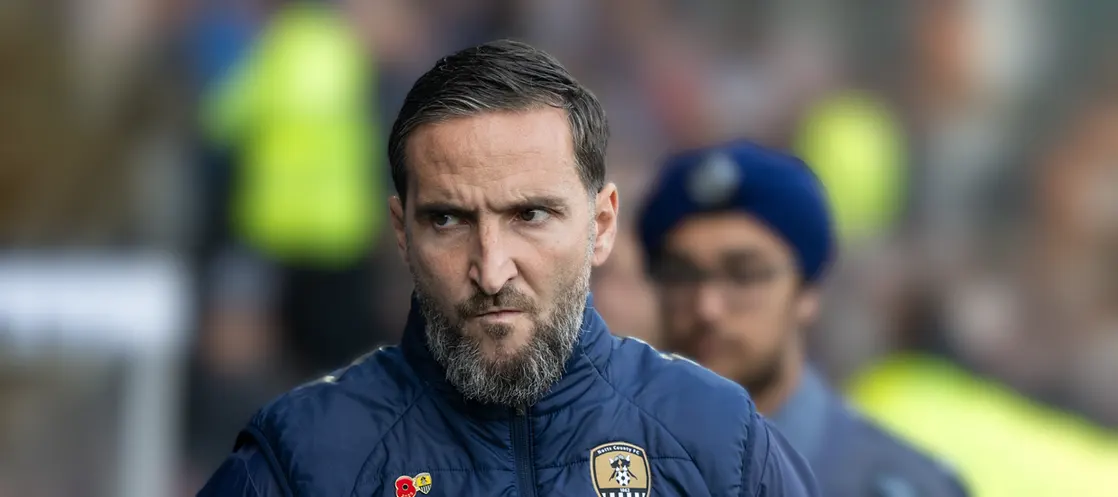
Featured Story
Why Harrogate Town Might Have Taught Us the Key Lesson of the Season
Read the full story

A better way to browse. Learn more.
A full-screen app on your home screen with push notifications, badges and more.



| Pos | Team | P | GD | Pts |
|---|---|---|---|---|
| 13 |
 Wycombe Wanderers |
14 | -2 | 19 |
| 14 |
 Leyton Orient |
14 | +5 | 18 |
| 15 |
 Stevenage |
13 | +4 | 17 |
| 16 |
 Burton Albion |
15 | -7 | 17 |
| 17 |
 AFC Wimbledon |
14 | -11 | 16 |
| 18 |
 Notts County |
13 | -1 | 15 |
| 19 |
 Wigan Athletic |
15 | -10 | 14 |
| 20 |
 Doncaster Rovers |
14 | -8 | 13 |
| 21 |
 Blackpool |
13 | -5 | 12 |
| 22 |
 Peterborough United |
14 | -12 | 11 |


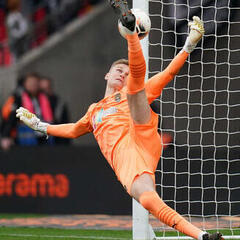


 Mansfield Town v Notts County
0 - 2
W
Notts County v
 Stockport County
1 - 1
D
Notts County v
 Sheffield Wednesday
2 - 0
W
 Notts County
VS
 Stevenage

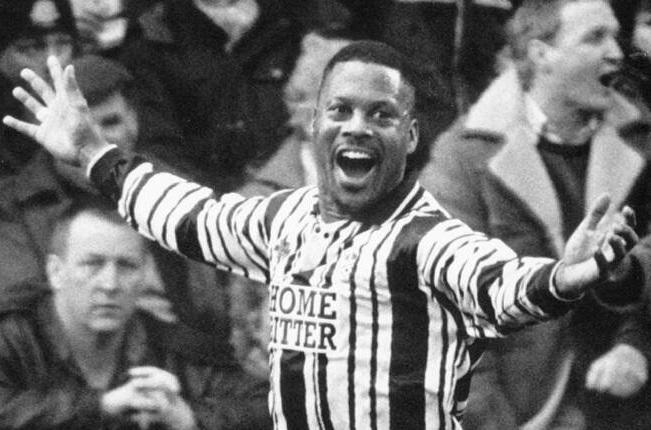
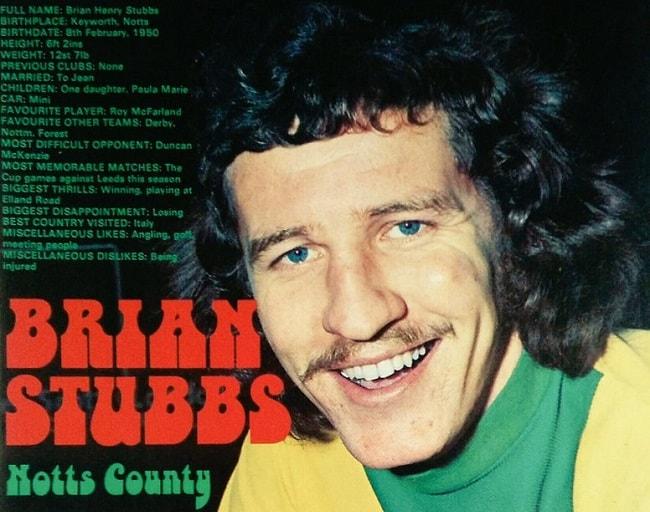
Celebrating the players who wore the black and white with pride. Their stories. Their legacy. Our history.
View all alumni









Michael Bramley is part of the Pride of Nottingham community, alongside the latest articles, fixtures, league data and discussions.
Pride of Nottingham uses cookies to ensure you get the best experience on our website. To approve, simply continue using the site or click 'I accept' Terms of Use.