



- Comment on the Richard Montague interview here
- Who should be recruited in January? Read this excellent recruitment doc from member ARLukomski
- PoN member McPie asks have we progressed under Martin Paterson? Join the conversation here.
- PoN member theAnticlough poses a new set of questions about the team, click here.
- Notts confirm Belshaw signing
- 👋🏻 Welcome the newest members of Pride of Nottingham! Drop by and say hello, it’s always great to see fresh faces joining the community. 🫱🏼🫲🏼
- 👀 Check out our activity stream to see the latest content as it happens live. Join in with the conversation on Pride of Nottingham.
- Got thoughts on Notts? Share them and help Pride of Nottingham hit its content target! 🏁
- Reply to and read discussions without leaving your screen. Check out the Pride of Nottingham 'Topic Feed', which brings you all the latest content from our community forum in one place.
Leaderboard
-
- All areas
- Fixtures
- Comments
- Quizzes
- Quiz Comments
- Quiz Reviews
- Status Updates
- Status Replies
- Videos
- Video Comments
- Video Reviews
- Topics
- Posts
- Events
- Event Comments
- Images
- Image Comments
- Albums
- Album Comments
- Blog Entries
- Blog Comments
- Articles
- Article Comments
- Wallpapers
- Wallpaper Comments
- Records
- Record Comments
- Record Reviews
-
Member Leaders
-
vicki
Members6Points27Posts -
weymouthPIE
Members5Points2,140Posts -
ivansneck
Members3Points1,588Posts -
Cobby
Members3Points627Posts


More entries
-
Joe Jones
Members2Points2,894Posts -
PTID1862
Members2Points2,832Posts -
Steveyward
NewPie1Points1Posts -
NJNCFCPies
NewPie1Points1Posts



Team Leaders
-
Chris
Administrators19Points32,459Posts -

Fan of Big Tone
Global Moderators4Points16,085Posts
Popular Content
Showing content with the highest reputation since 01/12/12 in Images
-
3 points
-
2 points2 points
-
2 points

From the album: Ivansneck's album
@Blackville at Carrow Rd, supporting Borussia!2 points -
1 point
-
1 point
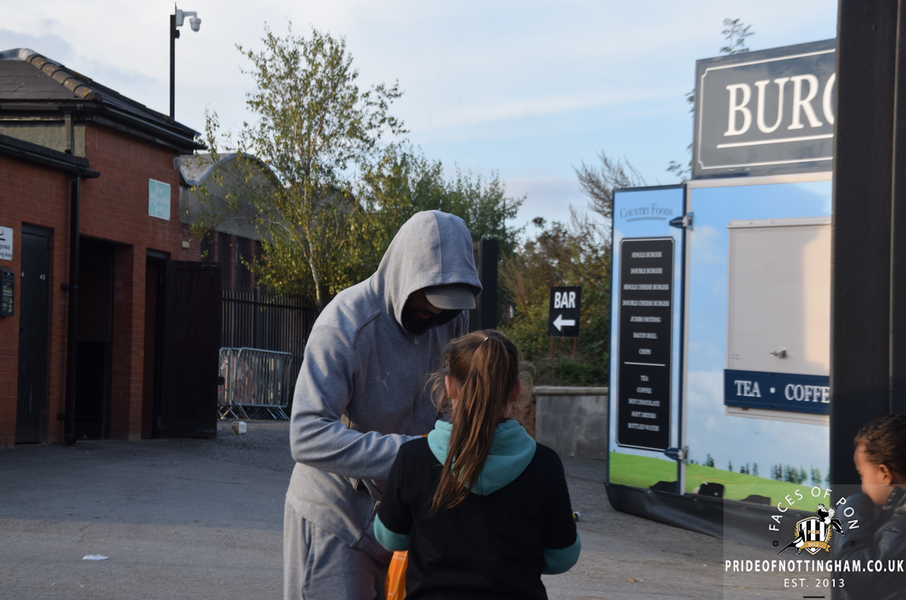
From the album: Faces of PON 24-25: Port Vale (H)
© Copyright Pride of Nottingham @ Chris
1 point -
1 point
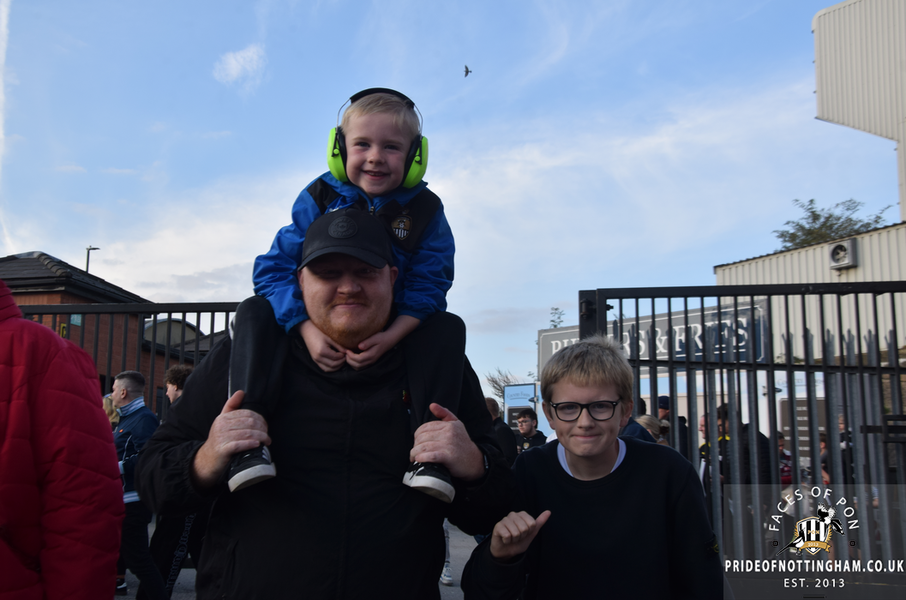
From the album: Faces of PON 24-25: Port Vale (H)
© Copyright Pride of Nottingham @ Chris
1 point -
1 point
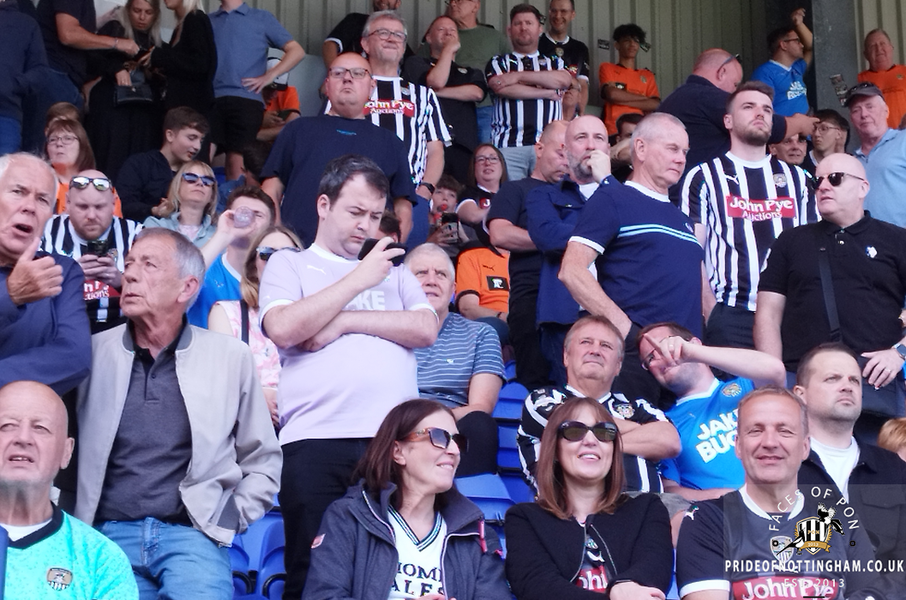
From the album: Faces of PON 24-25: Tranmere Rovers (A)
© Copyright Pride of Nottingham @ Chris
1 point -
1 point
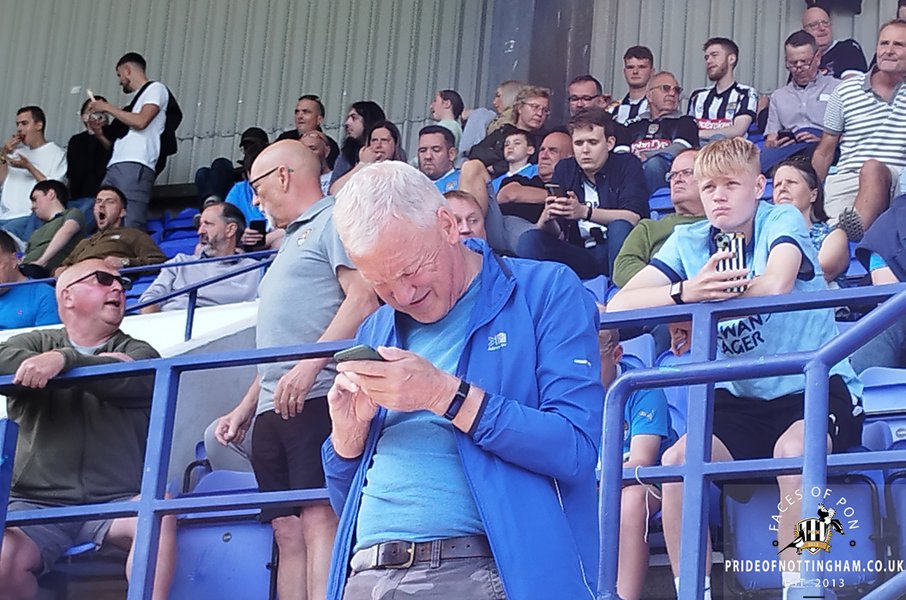
From the album: Faces of PON 24-25: Tranmere Rovers (A)
© Copyright Pride of Nottingham @ Chris
1 point -
1 point
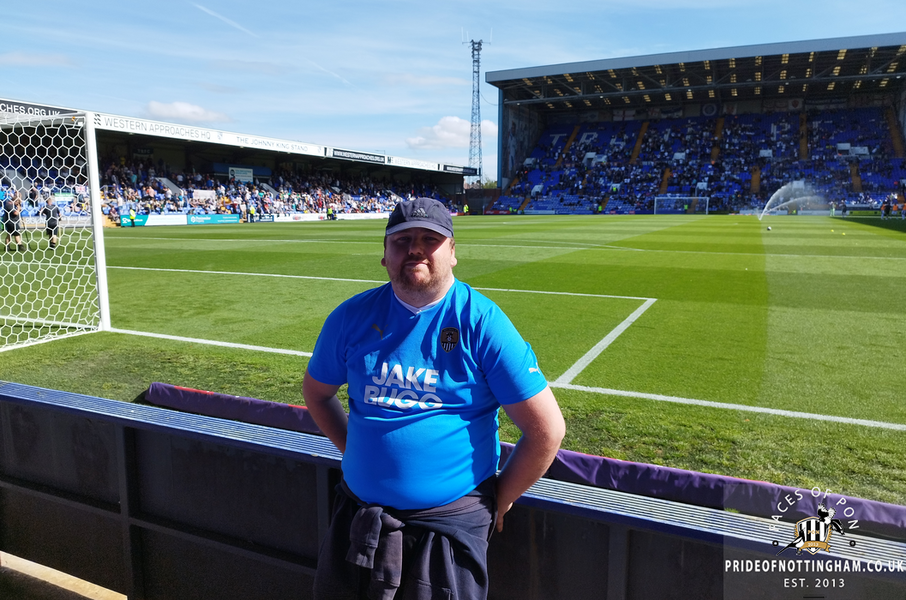
From the album: Faces of PON 24-25: Tranmere Rovers (A)
© Copyright Pride of Nottingham @ Chris
1 point -
1 point
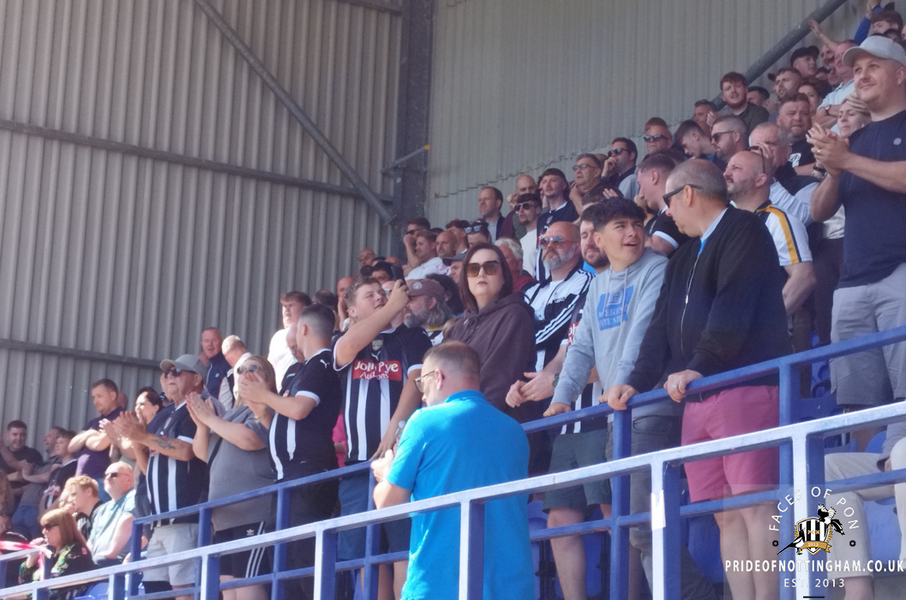
From the album: Faces of PON 24-25: Tranmere Rovers (A)
© Copyright Pride of Nottingham @ Chris
1 point -
1 point
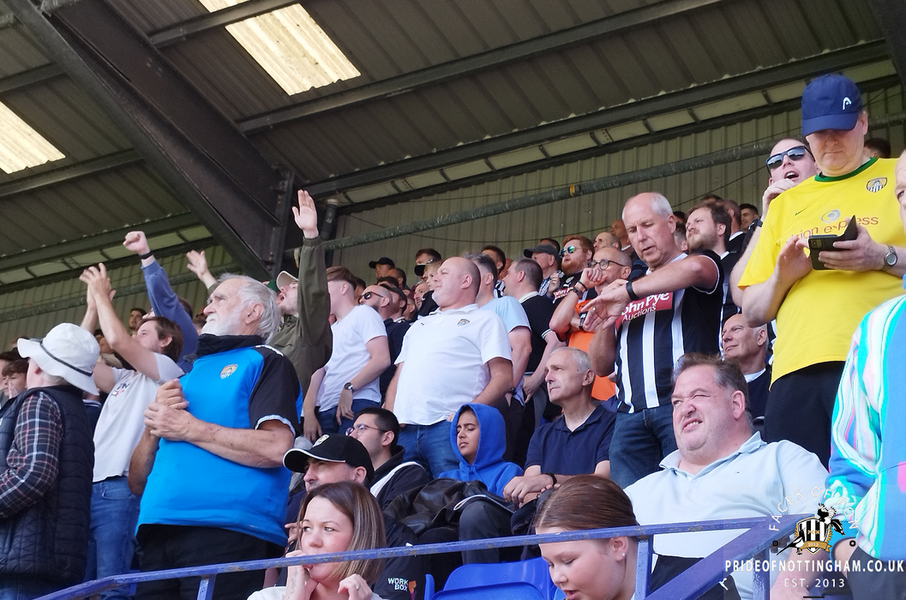
From the album: Faces of PON 24-25: Tranmere Rovers (A)
© Copyright Pride of Nottingham @ Chris
1 point -
1 point
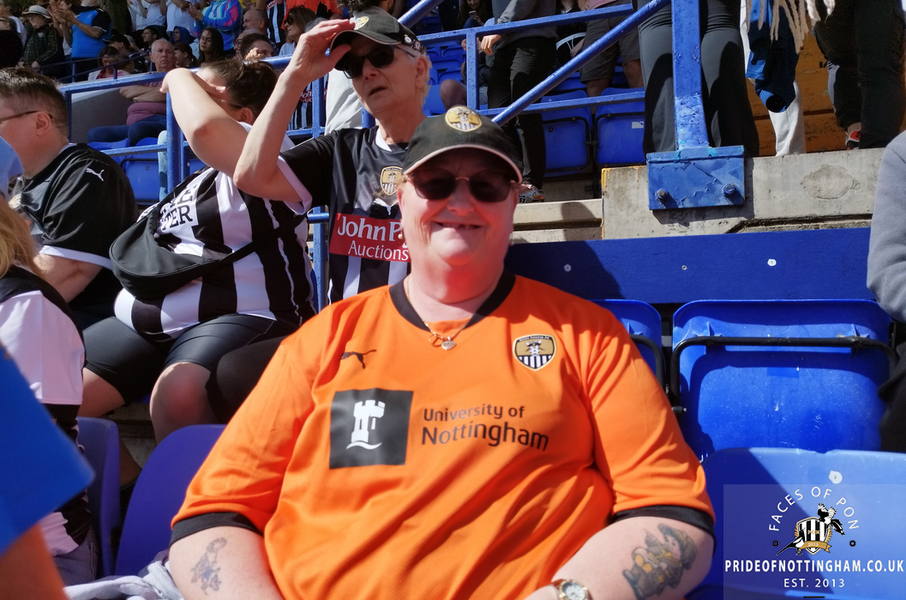
From the album: Faces of PON 24-25: Tranmere Rovers (A)
© Copyright Pride of Nottingham @ Chris
1 point -
1 point
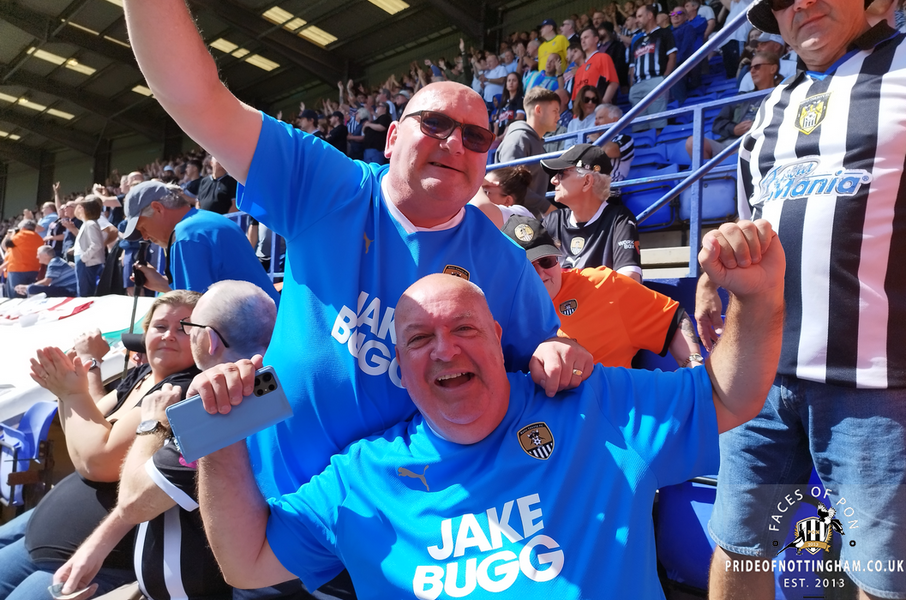
From the album: Faces of PON 24-25: Tranmere Rovers (A)
© Copyright Pride of Nottingham @ Chris
1 point -
1 point
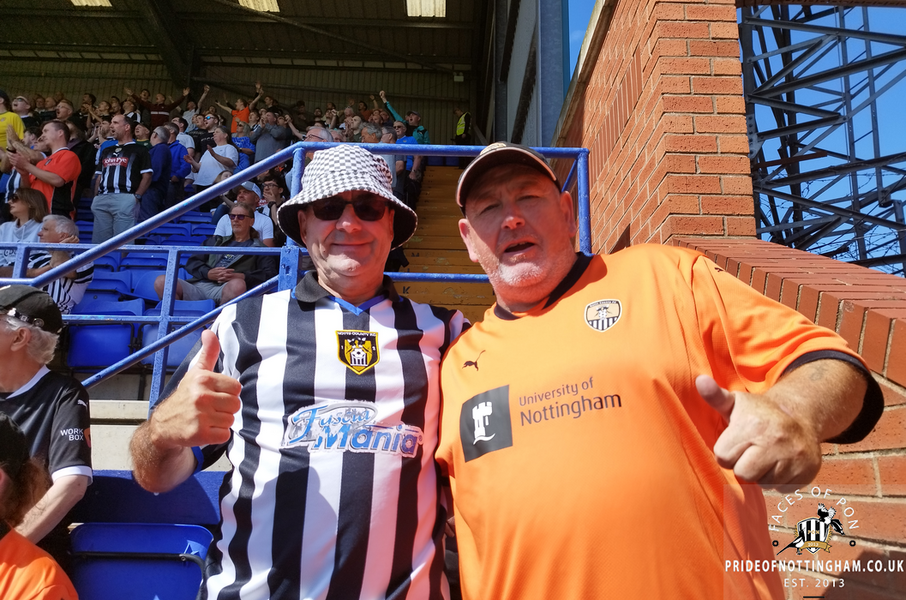
From the album: Faces of PON 24-25: Tranmere Rovers (A)
© Copyright Pride of Nottingham @ Chris
1 point -
1 point
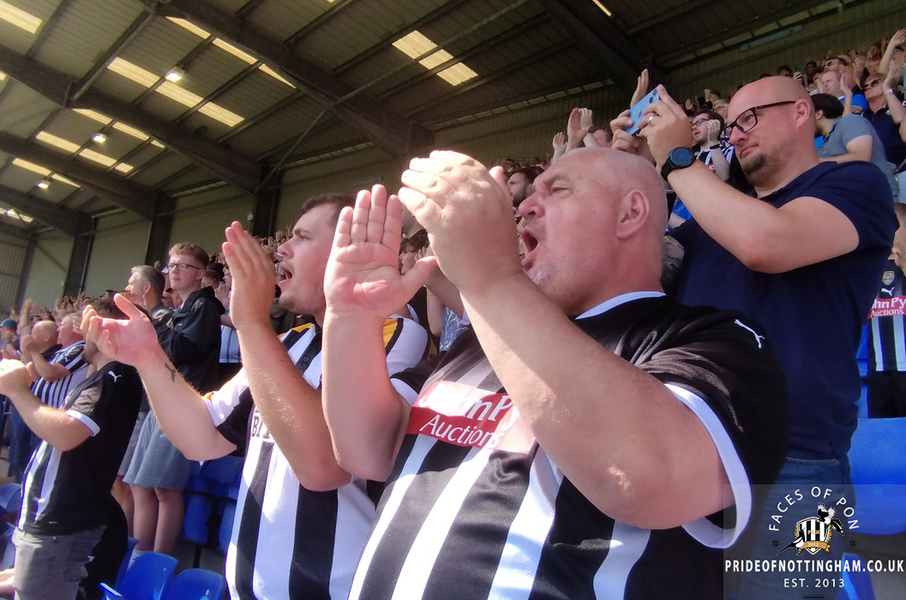
From the album: Faces of PON 24-25: Tranmere Rovers (A)
© Copyright Pride of Nottingham @ Chris
1 point -
1 point
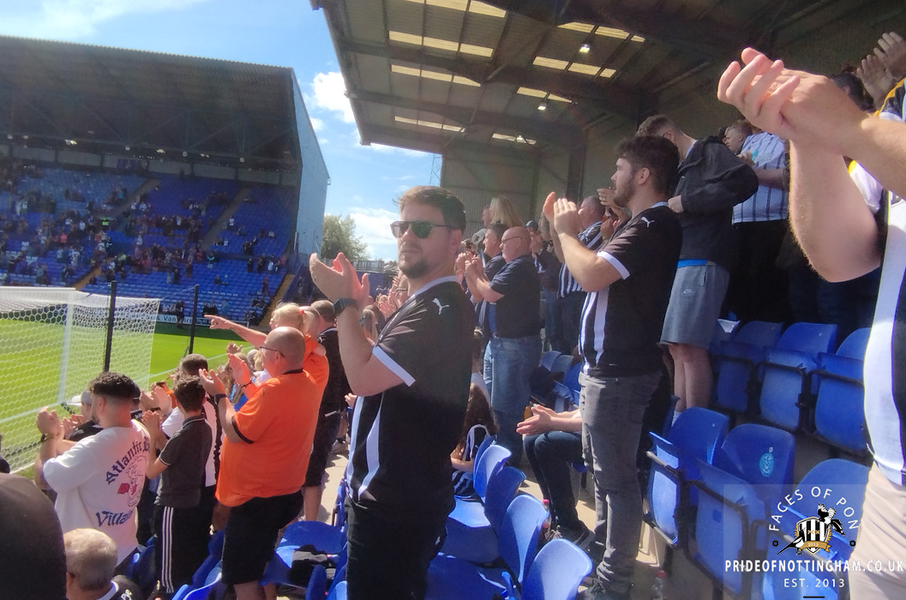
From the album: Faces of PON 24-25: Tranmere Rovers (A)
© Copyright Pride of Nottingham @ Chris
1 point -
1 point
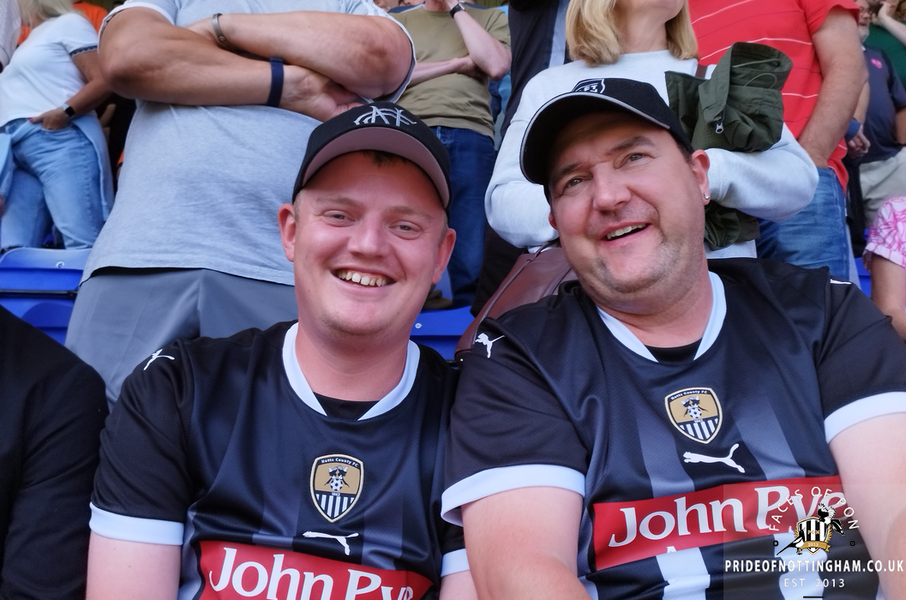
From the album: Faces of PON 24-25: Tranmere Rovers (A)
© Copyright Pride of Nottingham @ Chris
1 point -
1 point
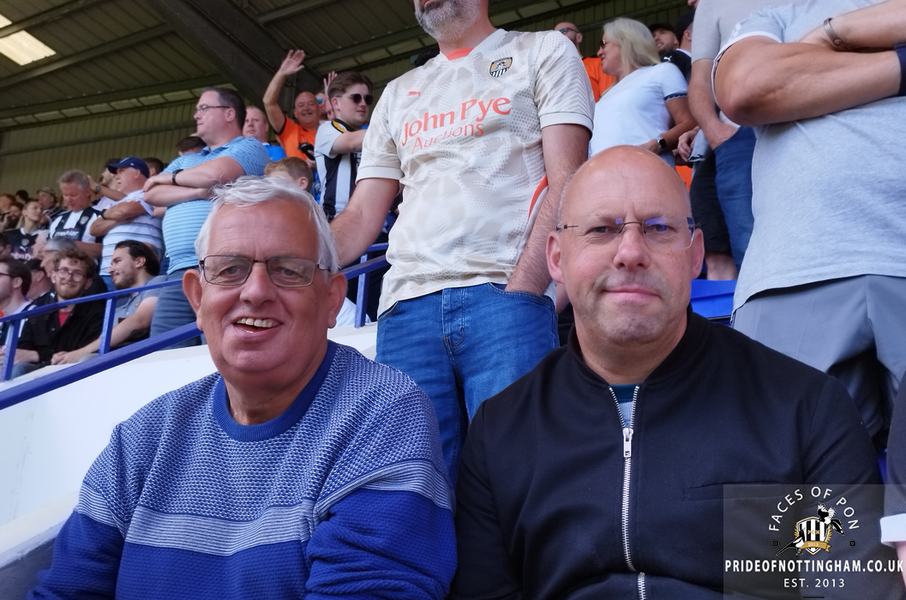
From the album: Faces of PON 24-25: Tranmere Rovers (A)
© Copyright Pride of Nottingham @ Chris
1 point -
1 point
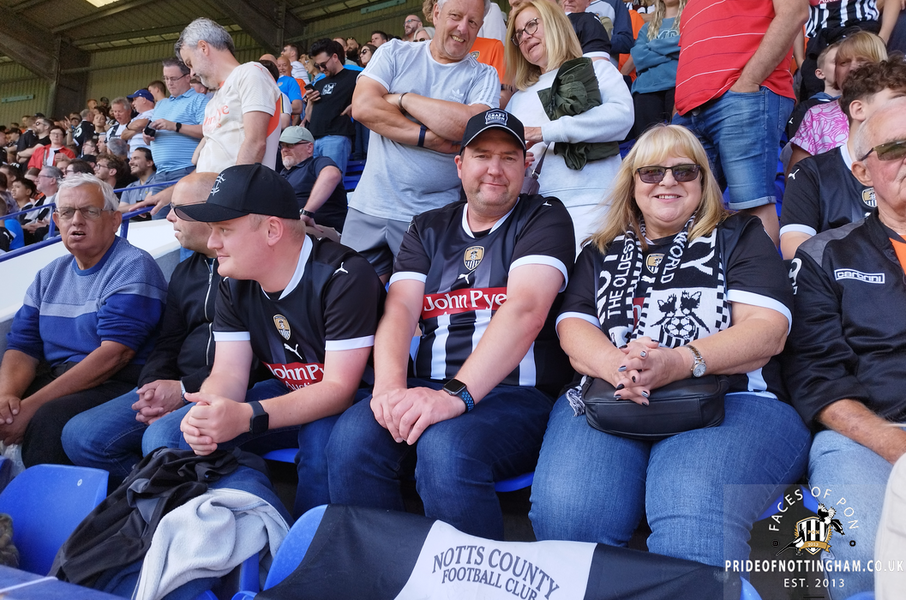
From the album: Faces of PON 24-25: Tranmere Rovers (A)
© Copyright Pride of Nottingham @ Chris
1 point -
1 point
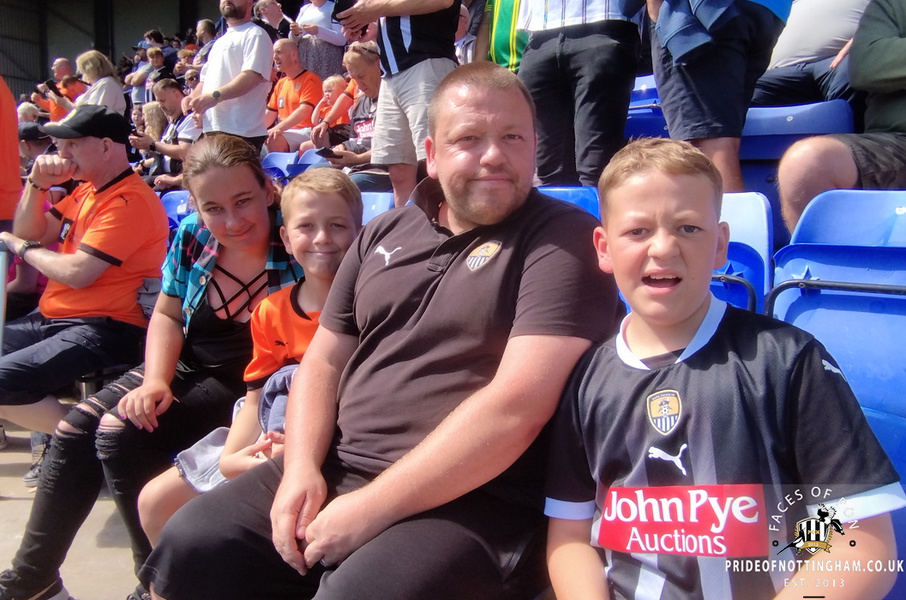
From the album: Faces of PON 24-25: Tranmere Rovers (A)
© Copyright Pride of Nottingham @ Chris
1 point -
1 point
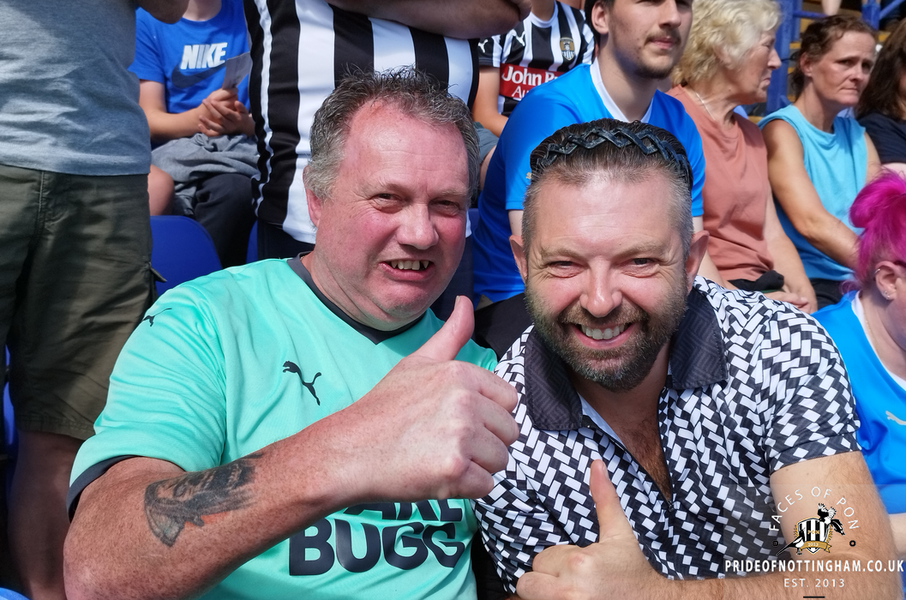
From the album: Faces of PON 24-25: Tranmere Rovers (A)
© Copyright Pride of Nottingham @ Chris
1 point -
1 point
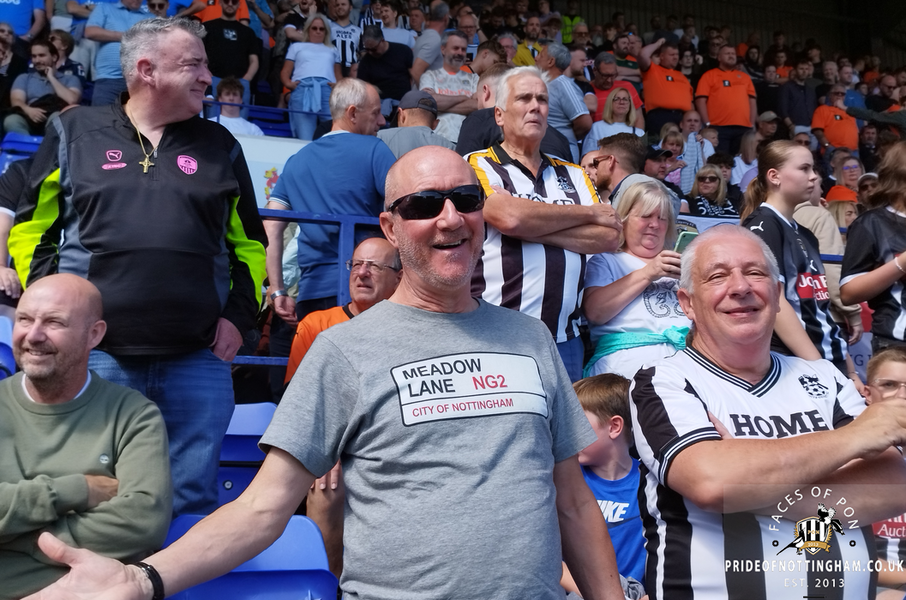
From the album: Faces of PON 24-25: Tranmere Rovers (A)
© Copyright Pride of Nottingham @ Chris
1 point -
1 point
-
1 point
-
1 point

From the album: Ivansneck's album
This is how it should be. Served at your seat - from the away section at VfB Stuttgart vs. Borussia April 20131 point -
1 point
-
1 point
-
1 point
-
1 point
-
1 point
-
1 point
-
1 point

From the album: tony's pics
Picture from 2004, although it looks like it should be the 60s.1 point -
1 point
-
1 point
-
1 point
-
1 point
-
1 point
-
1 point
-
1 point
-
1 point
-
1 point
-
1 point